

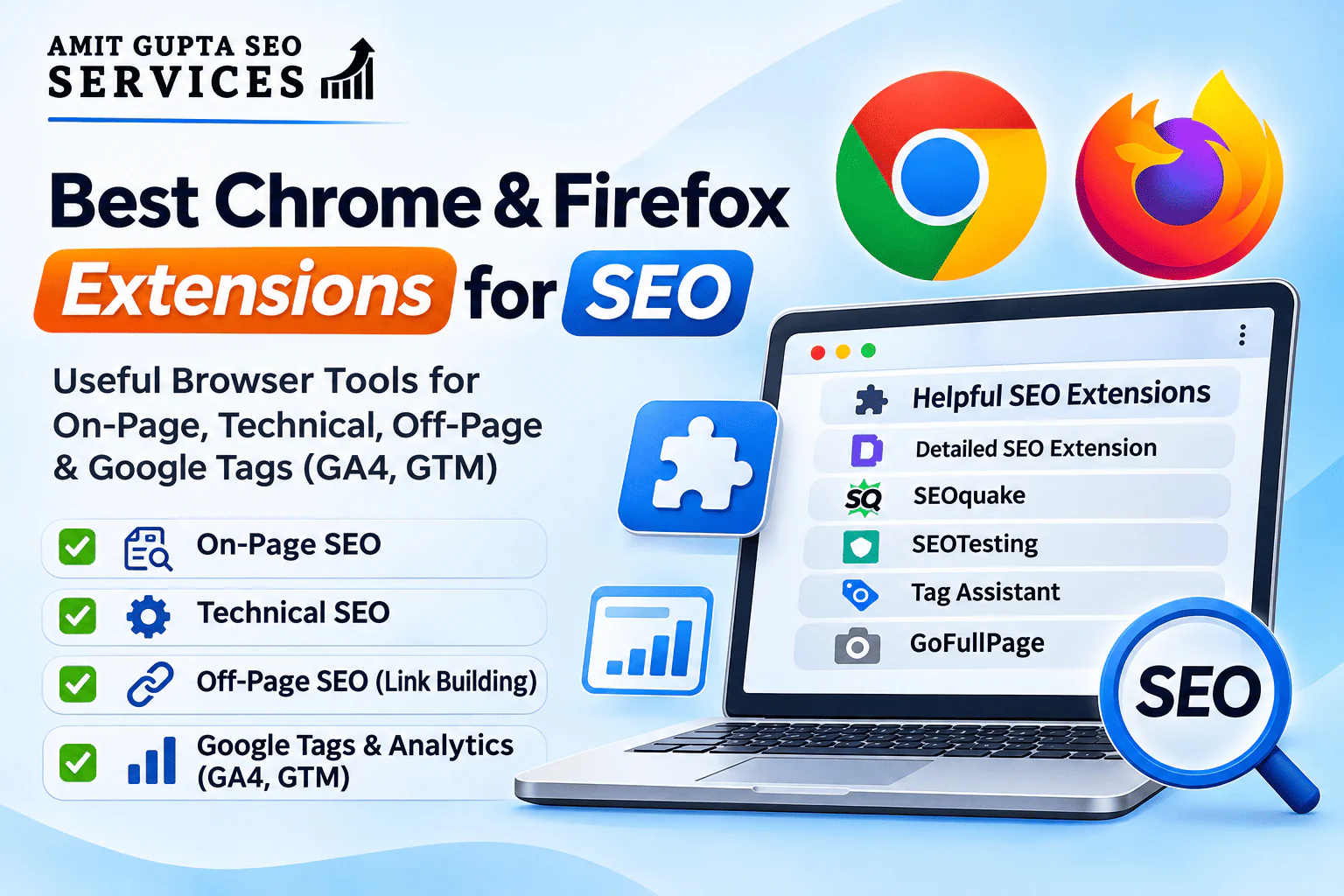
Browser extensions are among the most useful tools in an SEO professional’s daily workflow. Whether you are conducting an on-page SEO audit, checking a website’s technical configuration, analysing competitor backlinks, or troubleshooting Google Analytics and Google Tag Manager, the right browser extensions can save considerable time.
Instead of repeatedly opening different SEO platforms or inspecting the website’s source code manually, you can use browser extensions to access important SEO information with just one click.
As an SEO consultant, I regularly use browser extensions to speed up website audits, competitor research, technical checks and tracking verification. Some extensions provide detailed page-level SEO information, while others help identify broken links, inspect redirects, analyse structured data and verify tracking codes.
In this article, I am sharing some useful Chrome and Mozilla Firefox extensions that SEO professionals, digital marketers, website developers and business owners can use in their everyday work.
1. Extensions for On-Page SEO Analysis
On-page SEO involves optimising individual website pages to improve their relevance, structure and search engine accessibility. The following extensions help you inspect important on-page elements without viewing the source code manually.
1.1 Detailed SEO Extension
Detailed SEO Extension is one of the handy extensions for quickly analysing individual web pages.
It provides important SEO information in an organised format, making it easier to review your own website as well as competitor pages.
What can you check?
- Page title and meta description.
- H1, H2, H3 and other heading tags.
- Meta robots directives.
- Canonical URLs.
- Word count and page content structure.
- Image information and ALT attributes.
- Structured data and schema markup.
- Links and other important page-level elements.
How is it useful?
Suppose you are analysing a competitor’s page that ranks on the first page of Google. You can open the page and quickly inspect its title, heading structure, meta description and other SEO elements.
It is also useful when auditing multiple landing pages and identifying missing or incorrectly implemented on-page elements.
Availability: Chrome and Mozilla Firefox.
Extension: https://detailed.com/extension/
1.2 SEOquake – On-Page SEO Checker
SEOquake is a popular SEO extension developed by Semrush. It provides a quick overview of important SEO information and page-level audit data.
It is particularly useful when analysing your website and comparing competitor pages.
What can you check?
- Title tags and meta descriptions.
- Heading structure.
- Canonical tags and indexing directives.
- Keyword density.
- Internal and external links.
- Broken links and link attributes.
- Image ALT attributes.
- Structured data.
- Selected Semrush domain and page metrics.
How is it useful?
SEOquake is helpful when conducting quick on-page audits. For example, if you want to understand how a competitor has structured its content, you can inspect its headings, keyword usage and internal links.
Its page audit report can also help identify potential optimisation opportunities.
Availability: The rebuilt version is Chrome-first. A separate legacy version is listed for Firefox, so check the relevant browser store before installing.
Extension: https://chromewebstore.google.com/detail/seoquake-on-page-seo-chec/akdgnmcogleenhbclghghlkkdndkjdjc
1.3 SEOTesting Extension
SEOTesting is useful for SEO professionals who work with Google Search Console data and conduct SEO experiments.
The browser extension provides page-level SEO information and, when connected to an SEOTesting account, additional insights from Google Search Console.
What can you check?
- On-page SEO information.
- Search queries associated with a page.
- Google Search Console URL Inspection information.
- SEO test information and performance.
How is it useful?
Suppose you have optimised the title tag and content of a landing page. You can use SEOTesting to review the page’s associated search queries and monitor the results of your SEO tests through its platform.
This can be useful when measuring the impact of SEO changes instead of relying only on assumptions.
Availability: Chrome.
Extension: https://chromewebstore.google.com/detail/seotesting/ddaafpdingninkjhagcfjmlmmofglnfl
1.4 SEO Minion
SEO Minion is another useful extension for everyday on-page SEO tasks.
It combines several small SEO utilities that help you analyse pages, identify broken links and review international SEO implementation.
What can you check?
- On-page SEO analysis.
- Broken links.
- Internal and external links.
- Hreflang implementation.
- SERP previews.
- Structured data.
- Search results for different locations.
How is it useful?
It is particularly helpful when working on multilingual websites or websites targeting multiple countries.
For example, if a website has English and Bahasa Indonesia versions, you can use its hreflang checker to identify potential implementation issues.
Availability: Chrome and Mozilla Firefox. Access to SEO Minion requires a qualifying Keywords Everywhere subscription.
Extension: https://seominion.com/
2. Extensions for Technical SEO
Technical SEO focuses on improving a website’s crawlability, indexability, performance and overall technical health.
The following extensions can help identify issues while browsing individual pages.
2.1 Redirect Path
Redirect Path is useful for checking HTTP status codes and understanding how URLs redirect.
Redirect-related issues can occur when websites migrate to a new domain, change URL structures or remove outdated pages.
What can you check?
- 301 permanent redirects.
- 302 temporary redirects.
- 404 page errors.
- 500 server errors.
- Redirect chains.
- Redirect loops.
- HTTP response information.
How is it useful?
Suppose you have updated an old blog URL and redirected it to a new URL. You can use a redirect-checking extension to verify whether the old URL correctly redirects to the intended destination.
It is also useful for checking whether unnecessary redirect chains exist.
Availability: Check the current Chrome Web Store listing for compatibility.
2.2 Ahrefs SEO Toolbar
Ahrefs SEO Toolbar is not limited to backlink research. It also provides several useful technical and on-page SEO features.
What can you check?
- Page titles and meta descriptions.
- Heading structure.
- Canonical tags.
- Noindex and nofollow directives.
- Hreflang tags.
- Robots.txt and sitemap information.
- Redirect chains and HTTP headers.
- Broken outgoing links.
- Link attributes.
- Web Vitals information.
How is it useful?
When conducting a technical SEO audit, you can quickly inspect a page’s canonical tag, indexability signals and outgoing links.
It also helps when reviewing competitor websites and identifying potential link-building opportunities.
Some advanced SEO metrics require an active Ahrefs subscription.
Availability: Chrome, Mozilla Firefox and Safari.
Extension: https://ahrefs.com/seo-toolbar
2.3 Wappalyzer
Wappalyzer is a technology identification extension. It helps you understand which technologies and platforms are being used by a website.
It is not exclusively an SEO extension, but it can be very useful during competitor analysis and technical research.
What can you identify?
- CMS platforms such as WordPress.
- Ecommerce platforms.
- JavaScript frameworks.
- Analytics tools.
- Advertising technologies.
- Hosting and server-related technologies.
- Marketing and tracking applications.
How is it useful?
Suppose you are analysing a competitor’s website and want to know whether it is built on WordPress, Shopify or another CMS.
Wappalyzer can help identify the technology stack and provide useful context before planning technical SEO or website development activities.
Availability: Chrome and Mozilla Firefox.
Extension: https://www.wappalyzer.com/
2.4 Lighthouse – Website Performance Audit
Lighthouse is a website auditing tool from Google. Although it is not necessary to install a separate browser extension, it is available directly through Chrome DevTools.
It is useful for analysing website performance, accessibility, SEO checks and best practices.
What can you analyse?
- Performance score.
- Accessibility issues.
- Best practices.
- Basic SEO checks.
- Core Web Vitals-related performance diagnostics.
- Opportunities to improve page loading.
How is it useful?
If a website is experiencing slow loading times or performance issues, Lighthouse can help identify areas that need attention.
You can use it to assess individual landing pages and understand opportunities for improving page experience.
Availability: Built into Google Chrome DevTools.
3. Extensions for Off-Page SEO and Link Building
Off-page SEO involves activities performed outside your website to improve its authority, reputation and search visibility.
Backlink analysis and link evaluation are important parts of this process.
The following extensions can help you inspect links and research competitor websites.
3.1 Ahrefs SEO Toolbar
Ahrefs SEO Toolbar is useful for analysing links on individual web pages.
What can you check?
- Outgoing links.
- Follow and nofollow attributes.
- Broken outgoing links.
- Redirected links.
- Anchor text.
- Page and domain SEO metrics (depending on subscription).
How is it useful?
Suppose you are conducting competitor backlink research and want to understand the types of websites linking to a competitor’s content.
The toolbar can help inspect links on relevant pages and identify potential link-building opportunities.
It is also useful for checking whether an outgoing link is marked as nofollow, sponsored or another link attribute.
Extension: https://ahrefs.com/seo-toolbar
3.2 SEOquake
SEOquake can also support off-page SEO research.
Its link analysis features allow you to inspect internal and external links on a page, review link attributes and identify broken links.
How is it useful?
You can use it while reviewing competitor articles, resource pages and business directories to understand how links are placed and structured.
It is important to remember that a page-level link inspection is not a substitute for a complete backlink audit.
Extension: https://chromewebstore.google.com/detail/seoquake-on-page-seo-chec/akdgnmcogleenhbclghghlkkdndkjdjc
3.3 Detailed SEO Extension – Link Inspection
Detailed SEO Extension also provides useful link inspection features.
You can use it to review links on a webpage and identify follow and nofollow links.
This is useful when reviewing guest posts, resource pages, competitor content and other link-building opportunities.
Extension: https://detailed.com/extension/
Important: Browser extensions are useful for inspecting links on individual pages. For complete backlink analysis, referring domain evaluation, anchor text distribution and toxic backlink investigation, use dedicated tools such as Ahrefs, Semrush or Google Search Console.
4. Extensions for Google Tags, GA4 and Tracking Verification
Correct tracking implementation is essential for measuring website traffic, conversions and marketing performance.
A website may have Google Analytics 4, Google Tag Manager, Google Ads conversion tracking and other tracking scripts installed. However, simply installing a tracking code does not guarantee that it is working correctly.
The following extension is particularly useful for tracking verification.
4.1 Google Tag Assistant
Google Tag Assistant is an important extension for SEO professionals, digital marketers and website developers.
It helps identify Google tags installed on a website and troubleshoot their implementation.
What can you check?
- Google Analytics 4 tags.
- Google Tag Manager containers.
- Google Ads tags.
- Google tags installed through gtag.js.
- Tag implementation and troubleshooting information.
How is it useful?
Suppose you have recently installed Google Tag Manager on a WordPress website.
You can open the website, click the Tag Assistant extension and check whether the expected Google tags are detected.
You can also use its troubleshooting functionality to launch a debugging session through tagassistant.google.com.
This is useful for identifying missing tags, incorrect implementations and potential tracking problems.
Availability: Chrome.
Extension: https://chromewebstore.google.com/detail/tag-assistant/kejbdjndbnbjgmefkgdddjlbokphdefk
My recommendation: Whenever you implement GA4 or GTM on a new website, verify the setup using Tag Assistant and the relevant Google Analytics DebugView or GTM Preview workflow. Do not assume that a detected tag automatically means every event and conversion is configured correctly.
5. Other Useful Browser Extensions for SEO Professionals
Apart from dedicated SEO extensions, there are a few additional browser tools that can make everyday SEO work easier.
5.1 GoFullPage – Full Page Screen Capture
GoFullPage is a useful screenshot extension that captures an entire webpage, including sections below the fold.
How is it useful for SEO?
- Capture full website pages for SEO audit documentation.
- Share webpage layouts with clients.
- Record website design and content issues.
- Document competitor landing pages.
- Prepare visual reports for clients.
For example, if you identify several content or design issues on a landing page, you can capture the complete page and share the screenshot with your development team.
Availability: Chrome and Mozilla Firefox.
Extension: https://gofullpage.com/
5.2 Follow/Nofollow Link Highlighter
A link-highlighting extension makes it easier to visually distinguish follow and nofollow links on a webpage.
Depending on the extension, it may also highlight sponsored and user-generated content link attributes.
How is it useful?
- Review outgoing links.
- Inspect links in guest posts.
- Check link attributes on competitor pages.
- Identify links marked as nofollow.
- Review sponsored and UGC link attributes.
This can save time when manually inspecting the HTML of a webpage.
Choose a reputable extension and verify its current browser-store listing before installing it.
5.3 Explain and Send Screenshots
Communication between SEO professionals, content teams and developers is an important part of SEO execution.
Screenshot and annotation extensions help you explain technical issues more clearly.
How is it useful?
- Highlight missing headings.
- Mark incorrect title tags.
- Explain layout or content issues.
- Share technical SEO observations.
- Communicate recommendations with developers and clients.
Visual documentation can reduce confusion and make it easier for teams to implement SEO recommendations.
6. My Recommended SEO Browser Extension Toolkit
You do not need to install every available extension. Too many extensions can clutter your browser, affect performance and request unnecessary permissions.
Instead, choose a small set based on your daily SEO activities.
Here is a practical combination:
| SEO Activity | Recommended Extension |
|---|---|
| On-page SEO analysis | Detailed SEO Extension |
| Page-level SEO audit | SEOquake |
| Google Search Console page insights | SEOTesting |
| Hreflang and broken link checks | SEO Minion |
| Technical SEO and redirects | Ahrefs SEO Toolbar |
| Link inspection | Ahrefs SEO Toolbar |
| Google tags and GTM verification | Google Tag Assistant |
| Technology identification | Wappalyzer |
| Website performance | Lighthouse |
| Full-page screenshots | GoFullPage |
| Link attribute inspection | Follow/Nofollow Link Highlighter |
For most day-to-day SEO work, I would start with Detailed SEO Extension, SEOquake, Ahrefs SEO Toolbar and Google Tag Assistant. You can add other extensions depending on the project requirements.
7. Are Chrome and Mozilla Firefox Extensions the Same?
Not necessarily.
Some extensions are available on both Google Chrome and Mozilla Firefox, while others are developed exclusively for one browser.
For example:
- Detailed SEO Extension supports Chrome and Firefox.
- Ahrefs SEO Toolbar supports Chrome and Firefox.
- SEOquake has a Chrome-first rebuilt version and a separate Firefox listing.
- Google Tag Assistant is available as a Chrome extension.
- SEOTesting has a Chrome extension.
Before installing an extension, always check its official listing for browser compatibility, the latest version and developer information.
You should also avoid installing extensions from unknown websites or unofficial download sources.
8. Important Things to Consider Before Installing SEO Extensions
Browser extensions can access website information and, depending on their permissions, potentially sensitive browsing data.
Therefore, SEO professionals should be careful when installing and using them.
Keep the following points in mind:
- Install from official stores: Download extensions only from the Chrome Web Store or Mozilla Add-ons directory.
- Check developer information: Verify the publisher and look for a reliable development history.
- Review permissions: Avoid granting unnecessary access to website data.
- Remove unused extensions: Keep your browser clean by uninstalling tools you no longer use.
- Check updates: Prefer actively maintained extensions.
- Cross-check findings: Do not rely on one extension for every technical SEO decision.
- Use dedicated tools for detailed audits: Extensions are designed mainly for quick checks, not complete website crawling or backlink analysis.
Conclusion
SEO browser extensions can make the everyday work of an SEO professional faster and more efficient.
From checking meta titles and heading tags to identifying redirect issues, inspecting backlinks and verifying Google Analytics implementation, these tools help you access important information without repeatedly switching between different platforms.
However, browser extensions should be treated as supporting tools rather than replacements for dedicated SEO platforms.
For example, an extension can help you inspect the canonical tag of an individual URL, but a complete technical SEO audit may require crawling thousands of URLs using Screaming Frog or another crawler.
Similarly, a link inspection extension can help identify link attributes, but a complete backlink analysis requires a dedicated backlink analysis platform.
The key is to select the right combination of extensions based on your SEO workflow and use them alongside professional SEO tools.
At Amit Gupta SEO Services, we use a combination of SEO tools, browser extensions and analytics platforms to conduct on-page, technical and off-page SEO analysis and develop practical optimisation strategies.
If you are looking for professional SEO support for your business, explore our SEO Services and get in touch with our team.
Frequently Asked Questions (FAQs)
1. Which is the best Chrome extension for SEO?
Detailed SEO Extension, SEOquake and Ahrefs SEO Toolbar are useful options for everyday SEO work. The best choice depends on whether you need on-page analysis, technical checks or link research.
2. Which Chrome extension is best for checking meta titles and descriptions?
Detailed SEO Extension and SEOquake can help you inspect meta titles and descriptions, along with headings, canonical tags and other page-level SEO elements.
3. Which extension can check Google Analytics and Google Tag Manager?
Google Tag Assistant helps identify Google tags and troubleshoot their implementation, including Google Analytics and Google Tag Manager.
4. Can browser extensions identify nofollow links?
Yes. Extensions such as Ahrefs SEO Toolbar and Detailed SEO Extension can help inspect link attributes, including follow and nofollow links.
5. Are SEO Chrome extensions free?
Many SEO extensions offer free features. However, some advanced features, such as backlink metrics, keyword data and additional reporting, may require a paid subscription.
6. Can I use Chrome SEO extensions in Mozilla Firefox?
Only if the developer provides a compatible Firefox version. Not every Chrome extension is available for Firefox, so check the Mozilla Add-ons directory before installing it.
7. Do SEO extensions replace tools like Ahrefs, Semrush and Screaming Frog?
No. Browser extensions are useful for quick, page-level analysis. Dedicated SEO platforms provide broader capabilities such as website crawling, backlink analysis, keyword research, competitor analysis and ongoing monitoring.
8. How many SEO extensions should I install?
There is no fixed number. Start with a few essential extensions that support your daily workflow. Installing too many extensions can clutter the browser and increase its resource usage.